You haven't signed in yet, you can have a better experience after signing in
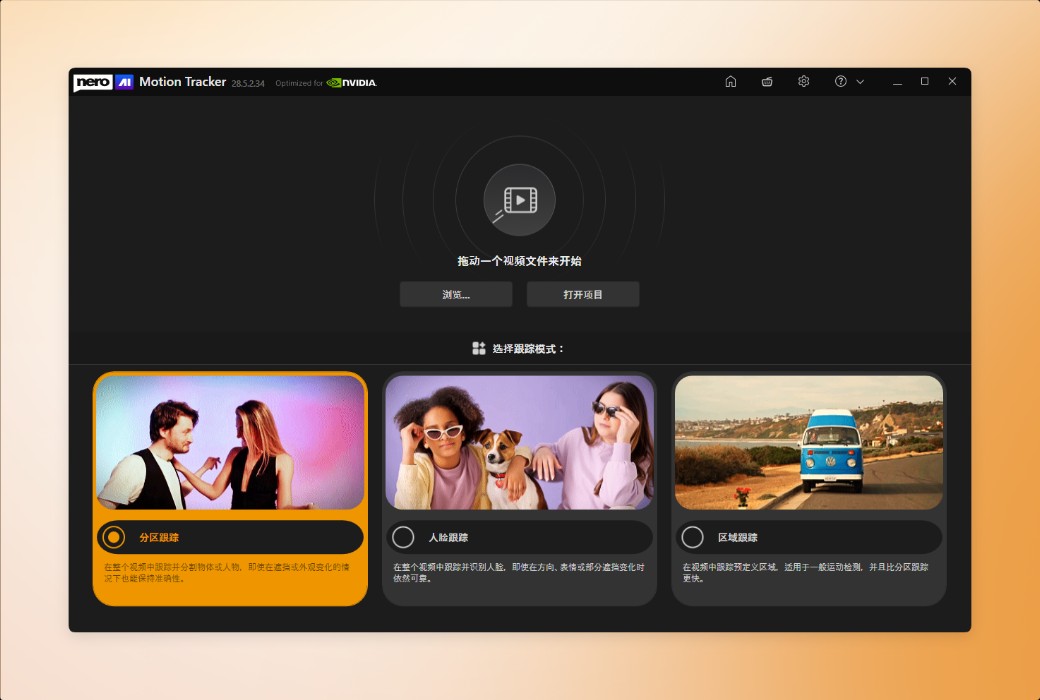
Nero Motion Tracker AI - motion tracking video editor software 
Activity Rules
1、Activity time:{{ info.groupon.start_at }} ~ {{ info.groupon.end_at }}。
1、Activity time:cease when sold out。
2、Validity period of the Group Buying:{{ info.groupon.expire_days * 24 }} hours。
3、Number of Group Buying:{{ info.groupon.need_count }}x。
Please Pay Attention
1、Teamwork process: Join/initiate a Group Buying and make a successful payment - Within the validity period, the number of team members meets the activity requirements - Group Buying succeeded!
2、If the number of participants cannot be met within the valid period, the group will fail, and the paid amount will be refunded in the original way.
3、The number of people required and the time of the event may vary among different products. Please pay attention to the rules of the event.
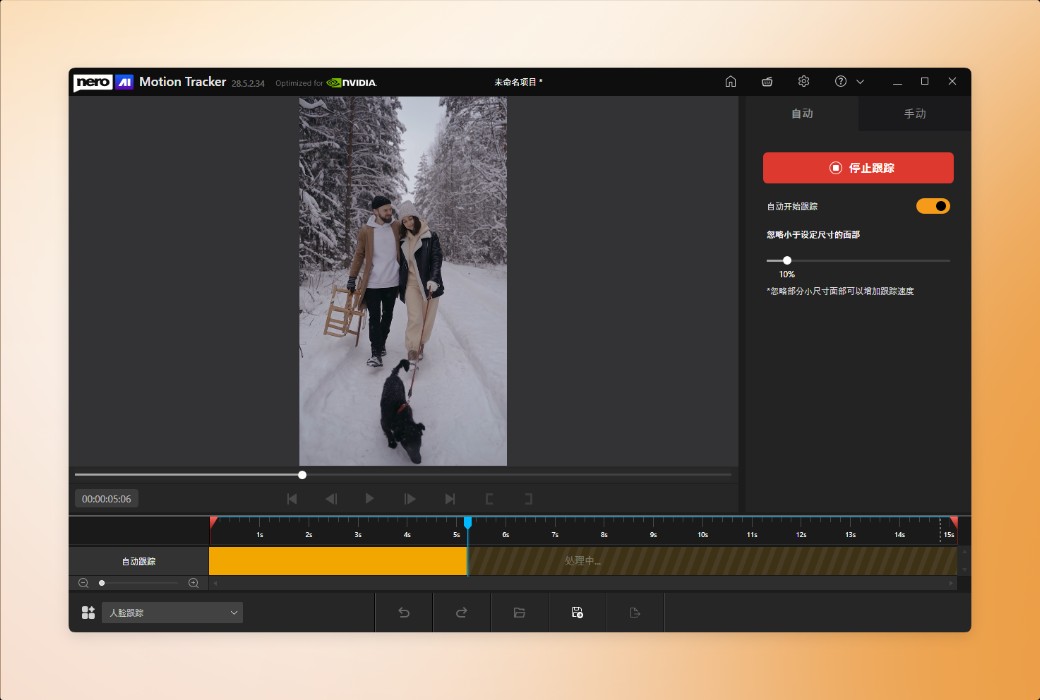
Automatically Track Any Object
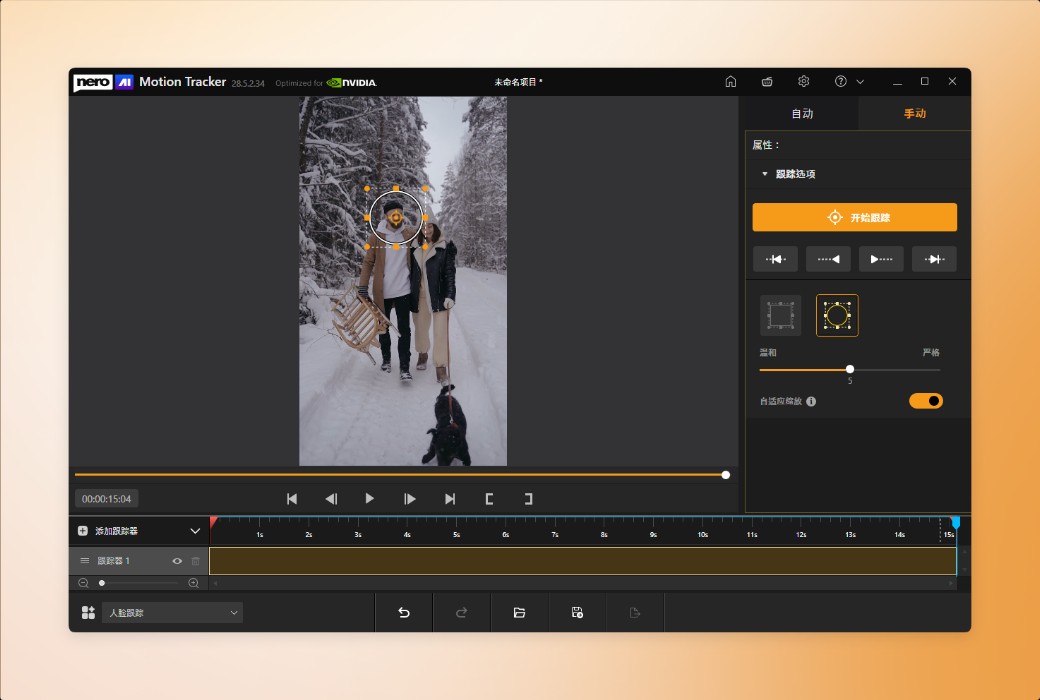
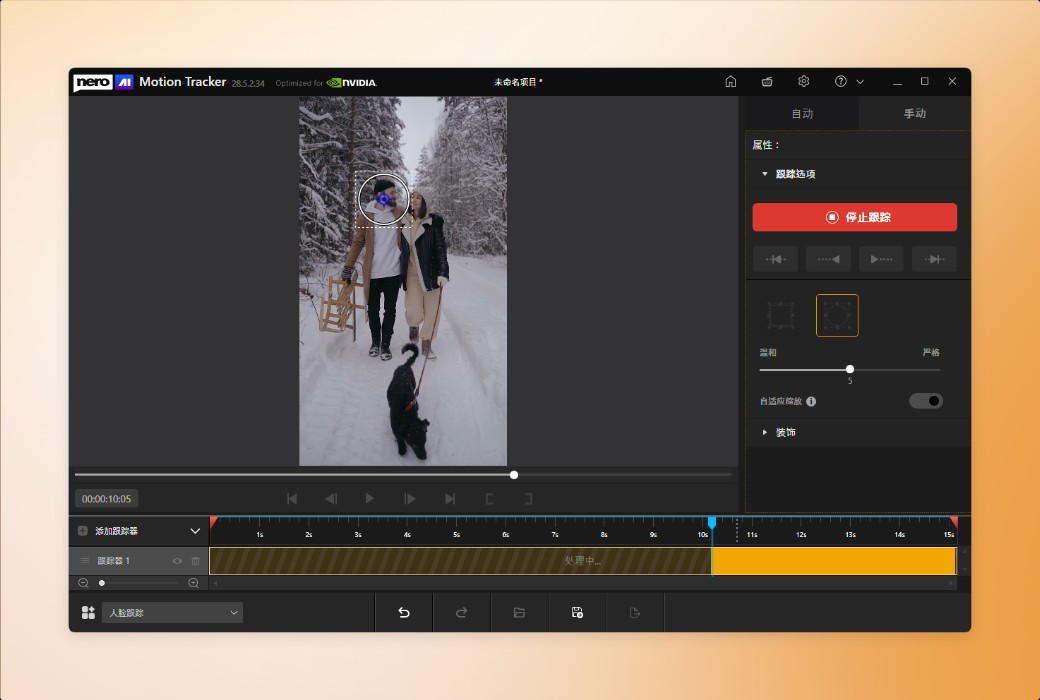
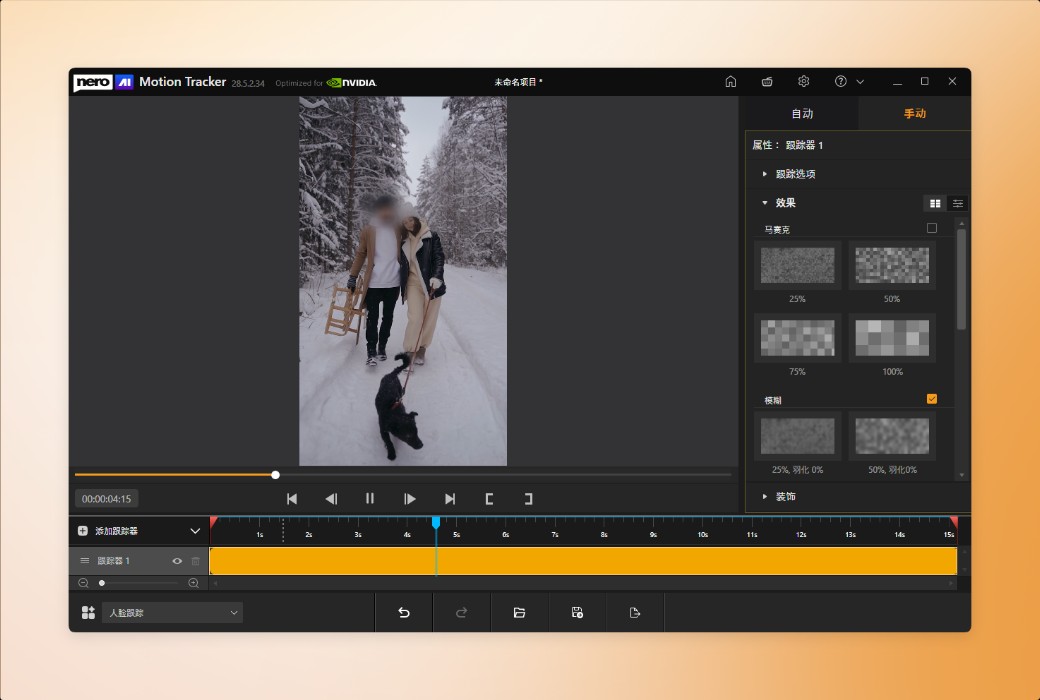
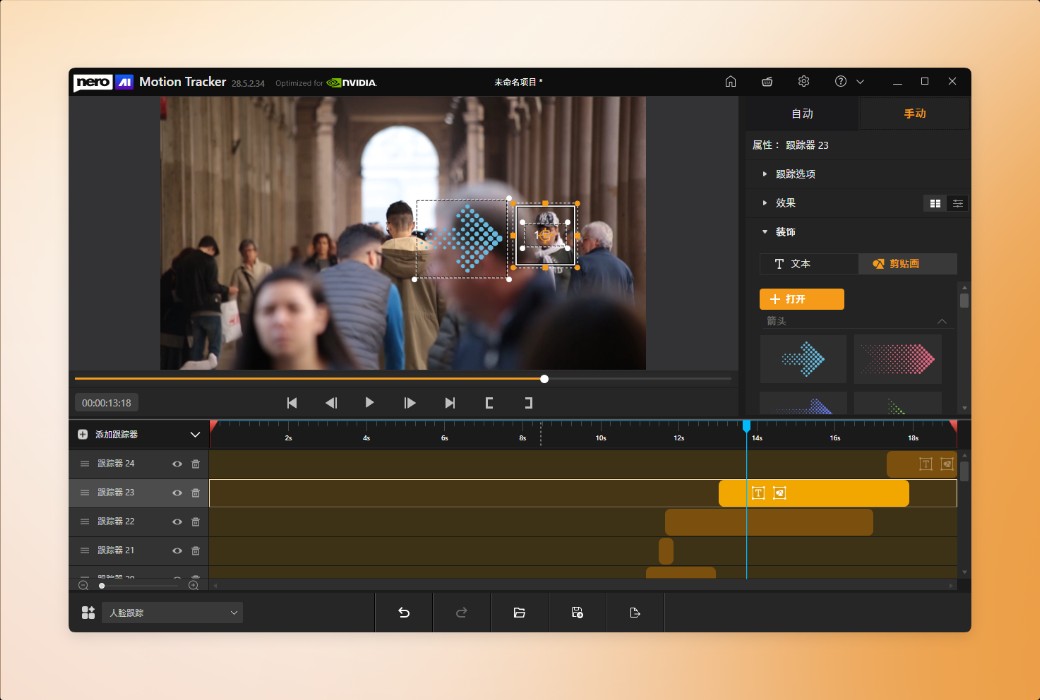
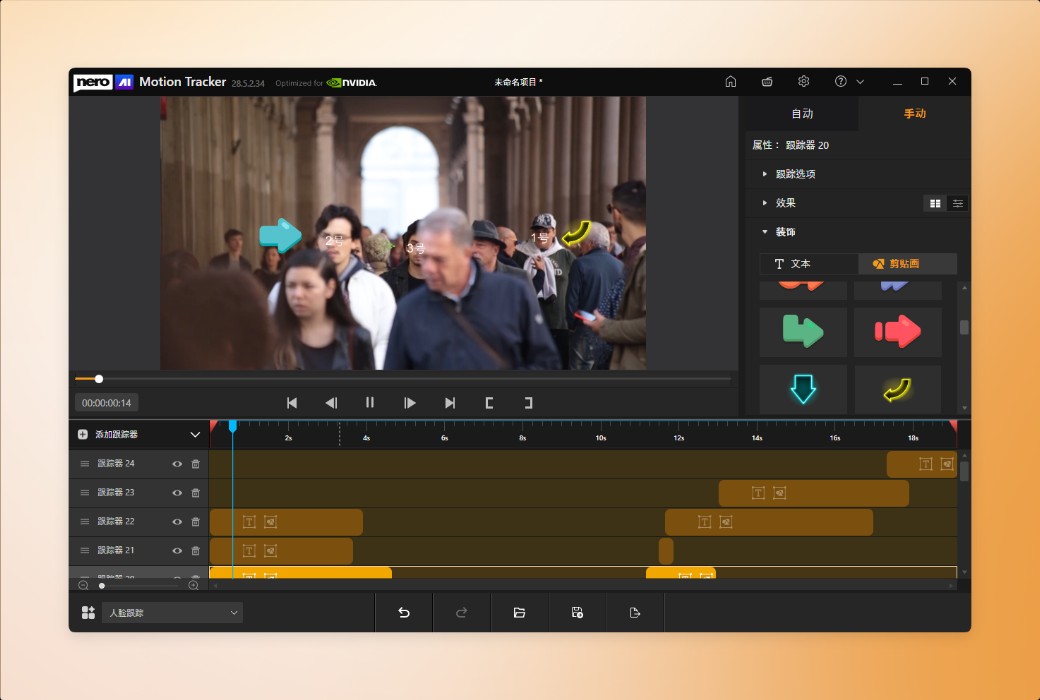
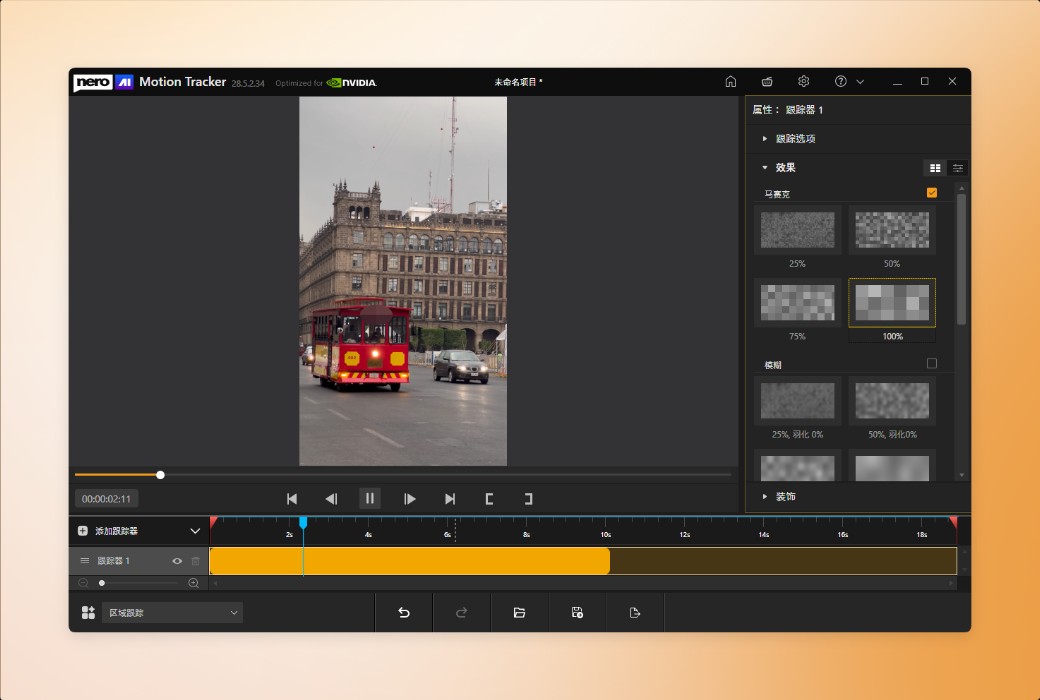
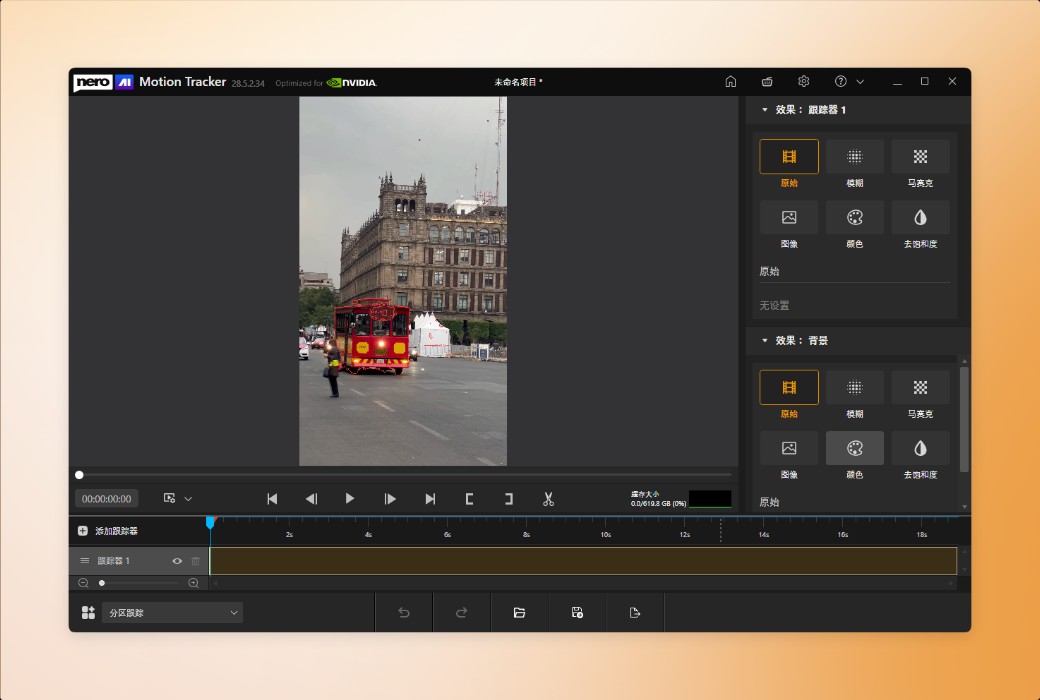
With Nero Motion Tracker, transform manual editing into automatic and precise processing. Utilize AI technology to track faces and objects, add mosaics with one click to hide sensitive information, and easily fix text on moving elements.
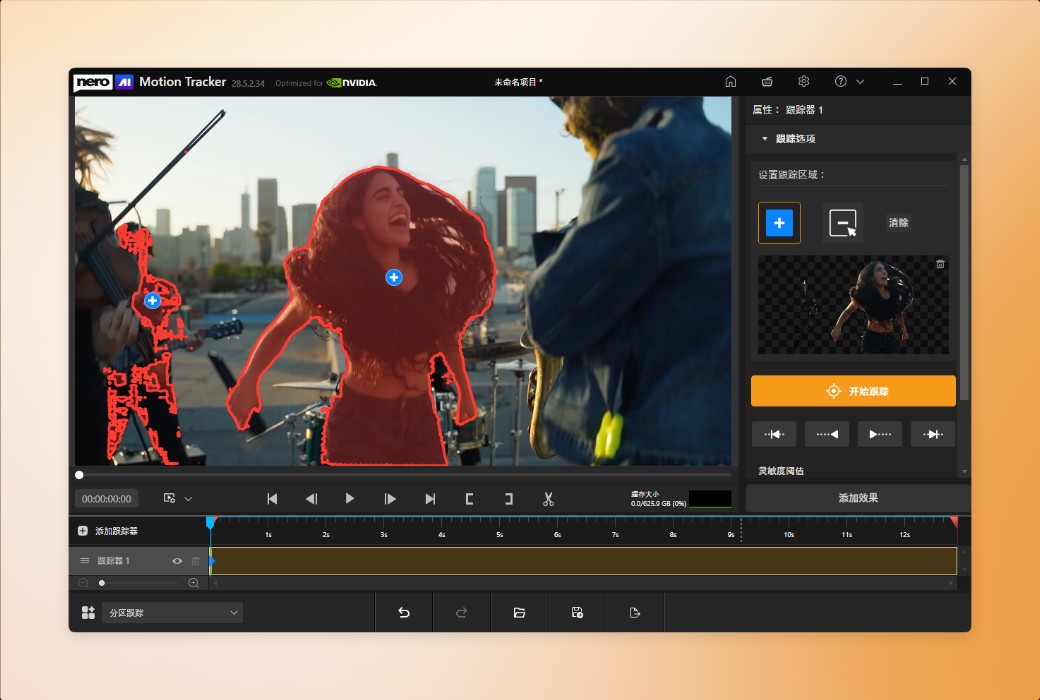
Track and Segment Any Object
Automatically Detect and Protect Faces
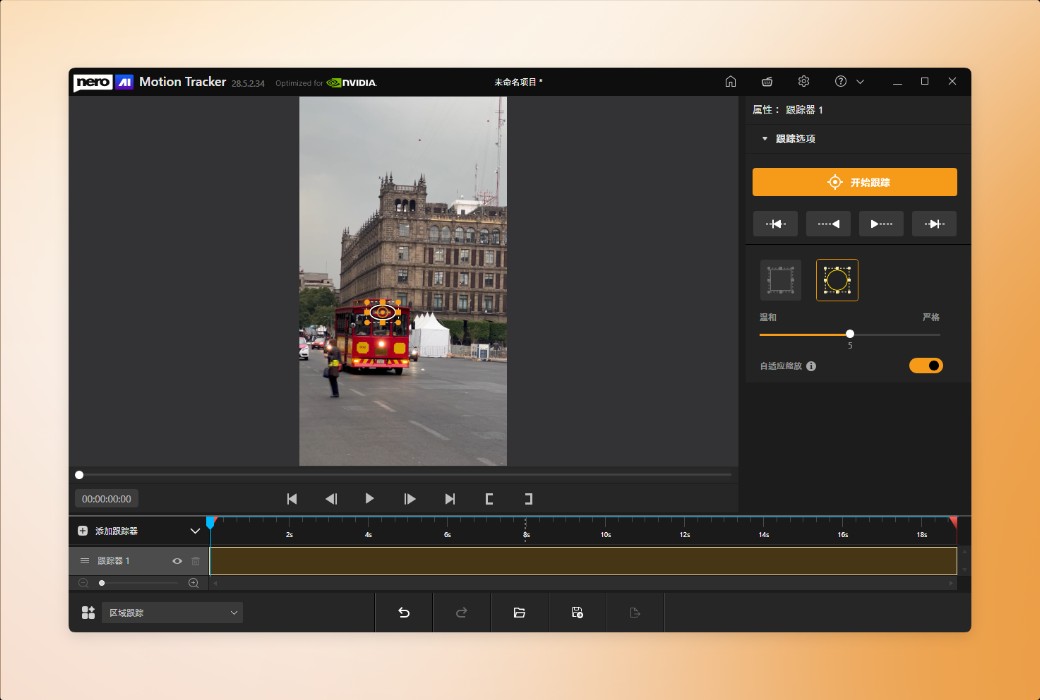
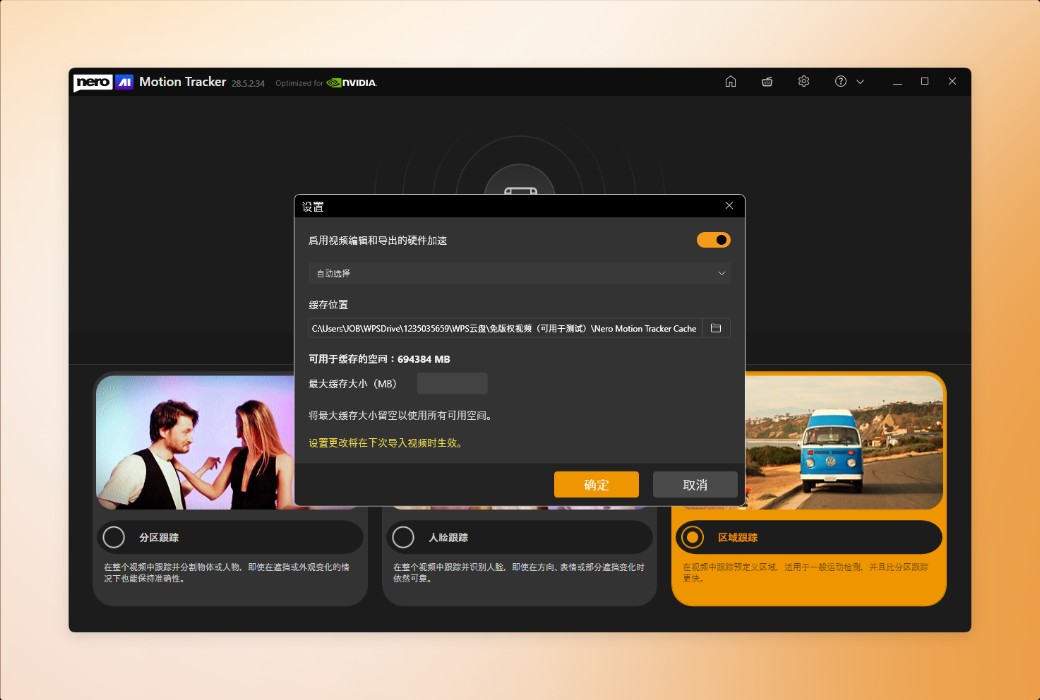
Quick Area Tracking and Export

Official Website:https://pcai.nero.com/motion-tracker
Download Center:https://nero-motion-tracker.apsgo.cn
Delivery Time: Automatic delivery within 24 hours
Operating Platform: Windows
Interface Language: Supports Chinese interface display, with multiple languages available.
Update Instructions: Lifetime version: Permanent use, with free updates for sub-versions (v28.x). 1-year version: Valid for 1 year, with updates and usage within the subscription period.
Trial Before Purchase: Free trial available before purchase.
How to Receive the Product: After purchase, the activation information will be sent to the email used for placing the order. You can also view the corresponding product activation code in your personal center, under "My Orders".
Number of Devices: Can be installed on 1 computer.
Changing Computers: Uninstall on the original computer and activate on the new one.
Activation Guide: To be added.
Special Instructions: To be added.
References:https://pcai.nero.com/motion-tracker

Any question
如何定义你的对象(包含与排除)
进入分段追踪模式后,你会看到“追踪选项”控制面板。可以把这看作是告诉AI什么重要什么,什么不重要。
添加跟踪区域(包含):
当你想在遮罩中包含图像的一部分时,选择此工具。
点击你的主题。会出现一个小的(+)标记,告诉追踪者:“保留这个。”
移除追踪区域(排除):
当追踪器不小心拾取背景时,选择此工具。你用这个来排除不需要的区域。
点击不需要的区域。会出现一个小的(-)标记,告诉追踪者:“忽略这个。